How To Solve The Most Common Tech Support Problems Yourself
Whether you’re dealing with your
dad’s decade-old computer or your own custom-built gaming rig, troubleshooting
PC problems is a part of everyday life. Before you make that $50 support call,
though, try your hand at homebrew tech support. We spoke to some of the best
support reps in the business about the most common problems they fix—and how
you can do it yourself.

Try
this first
I know it sounds like a no-brainer,
but before you do anything else, restart your computer. Matthew Petrie of
Falcon Northwest technical support says that most of his customers solve their
problems with this simple step. “This long-standing maxim can work wonders,”
says Petrie.
Regularly
checking for operating system updates is important, because forgetting to do so
could significantly impair your PC’s performance.
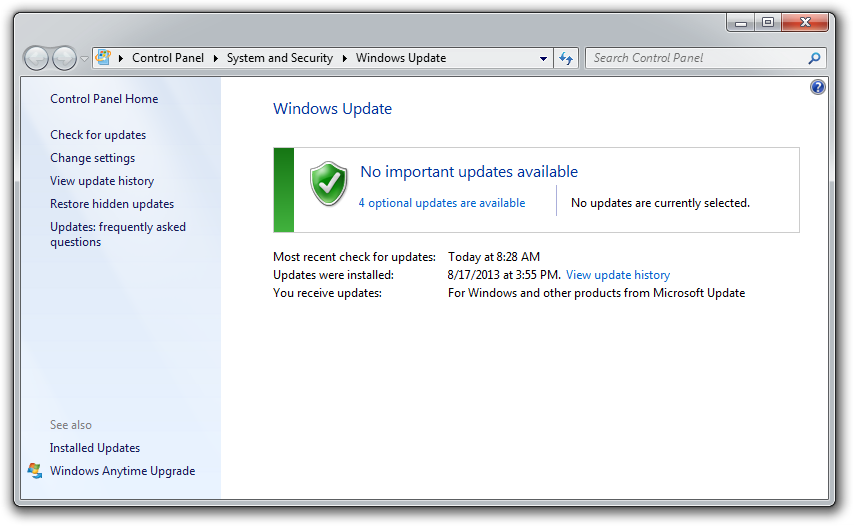
While you’re at it, make sure that
your operating system is fully updated by running Windows Update. Neglecting
updates could deprive you of important bug and performance fixes.
If you’re having problems with a
peripheral, try switching it on and off. If that doesn’t work, try
disconnecting and reconnecting the device. As a last resort, download the
latest drivers and perform a full re-install.
Comments
Post a Comment