Pop-up Ads Are Appearing On My Desktop
If you’re not running your Web
browser and are still getting pop-up ads on your desktop, you’ve most likely
installed adware—a program that displays unwanted ads. Although benevolent
adware exists, most of the time adware is up to no good. Getting rid of it
isn't easy. “There’s a ton of little system-utility tools out there that
promise to clean up everything, with names like PC Speed-up, PC Speed Pro, PC
Speedifier,” Geek Squad’s Meister says. “A lot of times those programs are not
going to do much. Some programs will work, others are snake oil.”

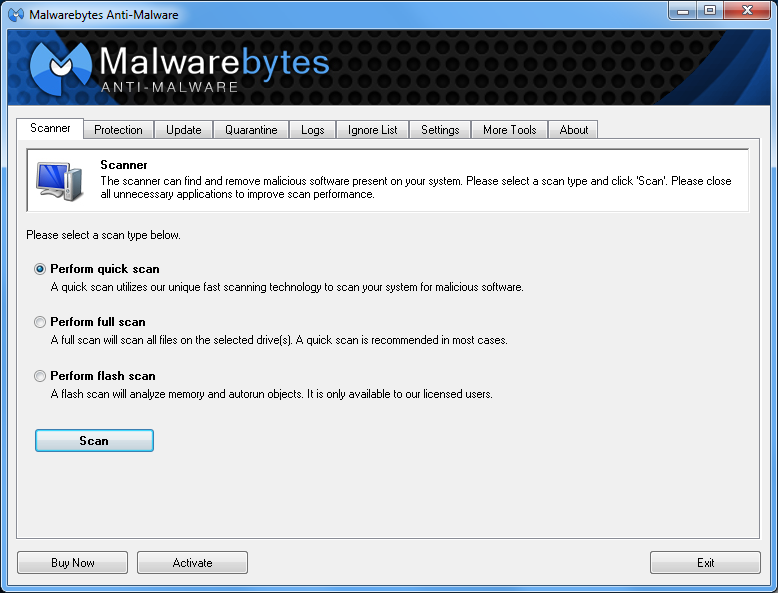
Running a full scan with credible
antivirus software is your first step. If that program doesn’t find and remove
the adware, turn to Malwarebytes Anti-Malware Free, a great utility for
removing all types of malware. Just make sure to disable your standard
antivirus software before running it.
“Multiple antivirus programs working
at the same time will often result in problems,” Falcon Northwest’s Petrie
says. “You only want one active, real-time antivirus scanner installed, but it
doesn’t hurt to run an additional ‘on demand’ virus or malware scanner.”
Searching online for the name of the
advertised product can sometimes yield solutions from fellow victims. If all
else fails, there’s always the nuclear option: a complete system reinstall. It
might take a long time, but it’s the only surefire way to remove adware or
spyware. Remember to back up all your personal files.
Comments
Post a Comment